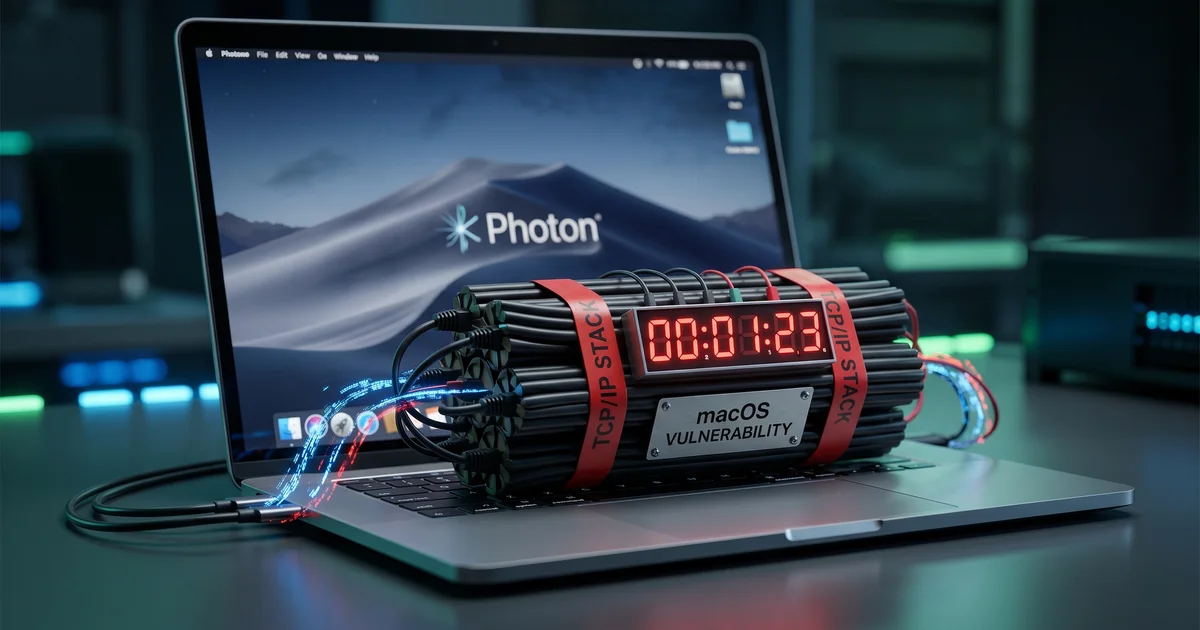
macOS TCP Time Bomb: 49 Days Uptime = Networking Meltdown
Picture this: Your fleet of Mac minis has been humming along perfectly for weeks. Monitoring dashboards green, iMessage pings flying, everything chill. Then one random Tuesday… new TCP connections just stop. Ping still works. Existing sockets? Fine. But good luck opening anything new. Ephemeral ports? Exhausted. The machines are basically network zombies.
Welcome to the macOS 49.7-day TCP time bomb. We didn’t build it, but Apple baked it right into the XNU kernel. And yes, it detonates exactly after 49 days, 17 hours, 2 minutes, and 47-ish seconds of continuous uptime.
(Shoutout to Photon for the epic deep dive that exposed this beauty.)
The Setup: Why TIME_WAIT Even Exists
TCP is polite but paranoid. When you close a connection, it hangs out in TIME_WAIT for a bit (on macOS: 2 × MSL = 30 seconds). This prevents late-arriving packets from confusing the next guy who reuses the same port.
Normally, the kernel cleans these up like a diligent janitor. But what if the janitor’s watch stops ticking?
The Bug: 32-Bit Unsigned Integer Goes Boom
Deep in the XNU kernel (bsd/netinet/tcp_var.h):
extern uint32_t tcp_now;  /* for RFC 1323 timestamps */
#define TCP_RETRANSHZ 1000  /* 1ms granularity */
tcp_now tracks milliseconds since boot as a uint32_t. Max value: 4,294,967,295. Divide by 86,400,000 ms/day… yep, ~49.7 days.
Here’s the critical clock update (simplified from calculate_tcp_clock):
struct timeval now;
microuptime(&now);  // ← your ``with_time(&now)`` buddy
current_tcp_now = (uint32_t)now.tv_sec * 1000 + ...;  // The exact line that bites
After ~49.7 days, (uint32_t)now.tv_sec * 1000 wraps around to a tiny number. The monotonicity guard:
if (tmp < current_tcp_now) {  // tmp is still near max
    // Never true after wrap! tcp_now freezes forever
}
Clock stops. Timers relying on it? Dead. TIME_WAIT entries never expire because their expiration check (TSTMP_GEQ(tcp_now, timer)) is now permanently false.
What Actually Happens in the Wild
From Photon’s live experiment (blessing a pair of Macs right at the overflow):
- Pre-overflow: Blast 15 short connections every 2 seconds → TIME_WAIT stabilizes at ~200. Perfect recycling.
- At overflow: TIME_WAIT count starts climbing and never stops.
- Post-overflow: Script stops creating connections. Should drop to zero in 30s. Instead? Keeps growing. Ports exhaust. New TCP handshakes fail.
Existing connections survive. ICMP works. Everything else? “Connection refused” symphony.
This isn’t theoretical – they hit it on their iMessage monitoring fleet. Reboot resets the countdown. Until next month.
Why This Feels Like 1995 All Over Again
Remember Windows 95’s 49.7-day crash? Same 32-bit tick counter family. We’re out here in 2026 still playing unsigned integer roulette with production servers.
Pro tip for the DevOps crowd: If you’re running long-lived macOS boxes (servers, CI runners, monitoring fleets), set up a cron to reboot gracefully every 40 days. Or better yet – use Linux where this particular foot-gun doesn’t exist.
Lessons (Slightly Humorous Edition)
- Always handle wraparound – even if “it’ll never happen in prod.”
- Monitor uptime – add alerts for “this box is getting suspiciously mature.”
- Diverse fleet – don’t put all your eggs in one kernel’s basket.
- Chaos test your edge cases – including “what if the clock lies?”
- And remember: Every Mac has a hidden expiration date. Like milk, but for TCP.
If you’re running macOS in production for anything socket-heavy, go check your sysctl kern.boottime right now. I’ll wait.
Stay rebooted, friends. May your tcp_now never freeze and your deploys stay boring.
Until next time – keep those kernels humble.
P.S. Apple, if you’re reading this… a 64-bit tcp_now would be a nice patch note. 😏
Reference: https://photon.codes/blog/we-found-a-ticking-time-bomb-in-macos-tcp-networking
// RELATED_ARCHIVES

> Nov 2025 · 6 min read
Amazon Leo, The New Space Internet Race
Amazon's Leo is launching as a Starlink rival—lower orbits, laser links, and AWS integration. But can it catch up?

> Nov 2025 · 8 min read
Orbital Data Centers - AI's Cosmic Power Plug?
Earth's data centers are guzzling power like a bad CI/CD loop—enter orbital ones for unlimited solar juice and zero drama. SpaceX vs. Blue Origin: Who's blasting off first?
> Nov 2025 · 6 min read
When Cloudflare Sneezed Yesterday, Half the Internet Caught a Cold – The November 18, 2025 Outage
A "routine config change" turned into a global comedy of errors, taking down ChatGPT, X, Spotify and friends. Let's dive into the tech details (and laugh a bit so we don't cry).